Iris Digital Monthly Calendar Planner
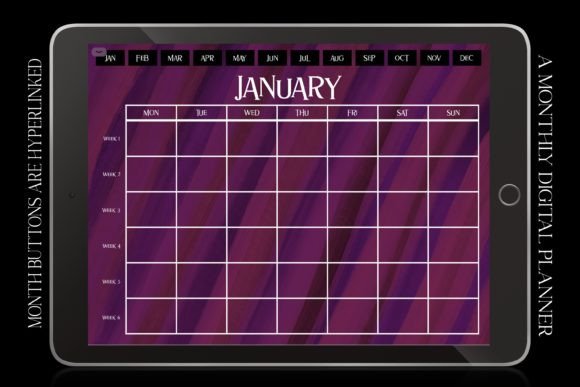
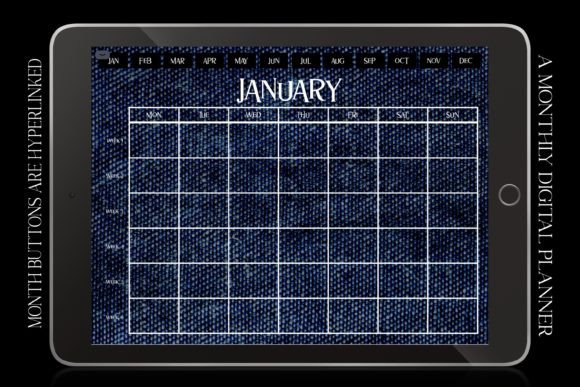
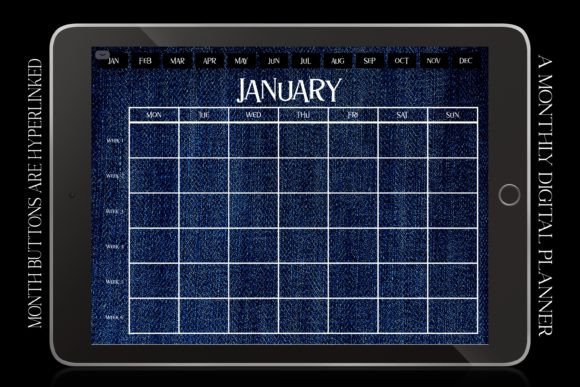
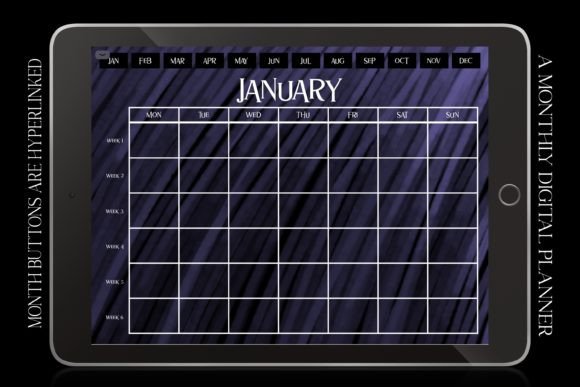
The Iris Digital Monthly Calendar Planner is a thoughtfully designed undated digital calendar template optimized for clarity, consistency, and long-term usability across major note-taking apps. Unlike dated printable calendars or rigid app-native views, it offers a fixed 6-week horizontal landscape layout—starting each month on Monday—with clean retro-vintage aesthetics rooted in iris purple, deep navy, charcoal black, and soft night-mode contrast. Its visual language leans into quiet elegance: crisp white typography over muted tonal backgrounds, evoking mid-century design sensibilities without sacrificing modern functionality.
A Month-at-a Glance Layout Built for Real Workflows
At its core, the Iris Digital Monthly Calendar Planner prioritizes spatial awareness. With six full weeks visible per page—even in months that technically span only four or five—it eliminates the need to flip between pages or scroll vertically to see upcoming deadlines. This is especially valuable when planning across overlapping commitments: a freelance designer juggling client revisions, content deadlines, and personal health appointments; an educator mapping lesson cycles alongside faculty meetings and grading windows; or a small business owner coordinating inventory restocks, social media launches, and team check-ins—all within a single glanceable view.
The Monday-start alignment matches how many professionals structure their weekly rhythm—particularly those using time-blocking or weekly review systems. It also integrates seamlessly with default settings in GoodNotes, Notability, Noteshelf, OneNote, and Xodo, requiring no manual reconfiguration. Landscape orientation further supports this: wider horizontal space accommodates longer event labels, habit trackers, or quick notes without cramped text or excessive zooming on iPad Pro or Android tablets.
Minimalist Design That Supports Focus—Not Distraction
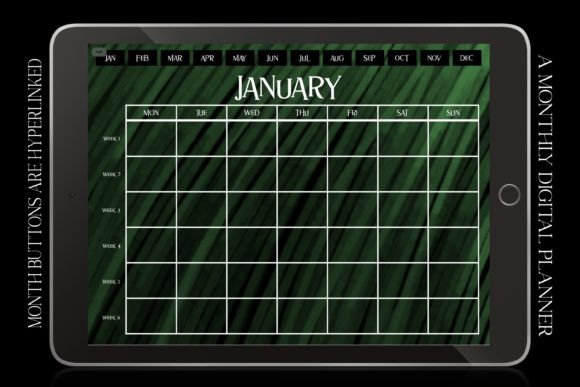
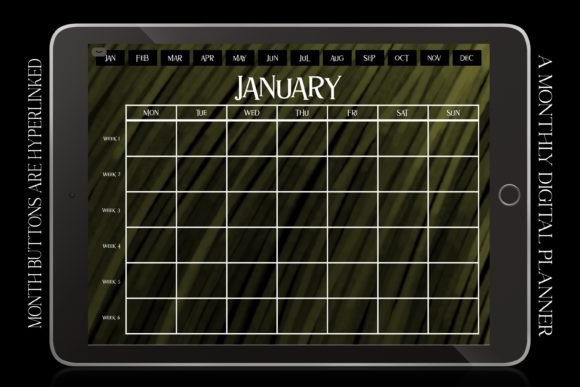
Its retro vintage aesthetic isn’t decorative fluff—it’s functional restraint. The absence of borders, heavy grids, or competing icons reduces visual noise. Iris purple and deep blue tones provide enough contrast for readability while maintaining low eye strain during extended use—critical for users who spend hours daily reviewing, editing, and annotating in apps like GoodNotes. The white text remains legible even at smaller font sizes, and the subtle background texture (if included in specific versions) adds depth without compromising clarity.
This minimalism extends to structure: no pre-filled holidays or promotional dates. Instead, it leaves space for you to add only what matters—Halloween prep timelines, Christmas shopping milestones, New Year goal-setting sessions, or academic term markers—on your own terms. That flexibility makes it equally useful in August as it is in December, supporting both seasonal planning and year-round continuity.
Practical Use Cases Across Roles and Routines
For educators and homeschooling parents, the Iris Digital Monthly Calendar Planner serves as a stable anchor amid shifting schedules—tracking assignment due dates, parent-teacher conferences, extracurricular sign-ups, and curriculum pacing. Its undated format means one download covers multiple school years without needing new purchases.
Entrepreneurs and side-hustlers benefit from its dual role as both scheduler and tracker. You can allocate columns for income logging, outreach follow-ups, product development sprints, or content batching—all while keeping key dates visible. Writers preparing for NaNoWriMo often layer word-count goals directly onto the grid, using color-coded highlights to distinguish drafting, editing, and submission phases.
Health and wellness practitioners—including nutrition coaches, physical therapists, and mental health professionals—use the planner to map client intake cycles, session availability, continuing education deadlines, and self-care blocks. Because it supports handwritten annotations and typed entries alike, it adapts whether you’re sketching meal plans, charting weight trends, or journaling reflections beside weekly check-in prompts.
Reliability and Consistency Across Devices and Apps
Tested across iPadOS (iPad Pro, Air, mini), Android tablets, and desktop sync workflows, the Iris Digital Monthly Calendar Planner maintains fidelity in scaling, rotation, and annotation responsiveness. PDF layers are flattened appropriately—not overly compressed, not bloated—so hyperlinks (where added by users) remain active, and stylus input feels precise. In GoodNotes, it responds well to pressure sensitivity for shading or underlining; in Noteshelf, it handles layered ink without lag.
That consistency matters most for users managing multiple roles. A university lecturer might annotate lecture prep in Notability, add student feedback in OneNote, and draft grant timelines in GoodNotes—all using the same underlying planner structure. No relearning interfaces. No mismatched week starts. Just reliable scaffolding.
Who Benefits Most—and When It Might Fall Short
The Iris Digital Monthly Calendar Planner excels for users who value intentionality over automation—those who prefer shaping their own systems rather than adapting to app defaults. It suits planners who already use digital notebooks regularly and want a consistent, high-quality base layer—not beginners seeking guided onboarding or AI-powered reminders.
It’s less ideal for people relying heavily on recurring events, calendar syncing, or real-time notifications. Since it’s static and undated, it doesn’t auto-update or integrate with iCloud, Google Calendar, or Outlook. That’s intentional: it trades connectivity for control. If your workflow depends on automatic holiday flags, shared team calendars, or push alerts, this functions best as a complementary tool—not a replacement.
Also worth noting: while the retro aesthetic appeals broadly, some users may prefer higher-contrast options for accessibility. The current palette works well in ambient light but may require slight brightness adjustment in very dim environments. There’s no built-in dyslexia-friendly font variant—but users can easily overlay custom fonts in compatible apps.
A Thoughtful Tool for Intentional Planning
What sets the Iris Digital Monthly Calendar Planner apart isn’t novelty—it’s coherence. Every element—from the 6-week horizon to the Monday start, from the iris-purple tonal range to the undated flexibility—serves a documented planning need. It doesn’t try to do everything. Instead, it does one thing exceptionally well: provide a calm, elegant, and highly adaptable canvas for monthly thinking.
Whether you’re organizing back-to-school logistics, launching a creative project, balancing caregiving with professional work, or simply trying to protect time for rest and reflection, this planner meets you where you are—not with hype, but with structure that breathes. It’s the kind of resource that grows quieter and more useful the longer you use it: no tutorials required, no learning curve steep enough to stall momentum, just steady support for whatever comes next.